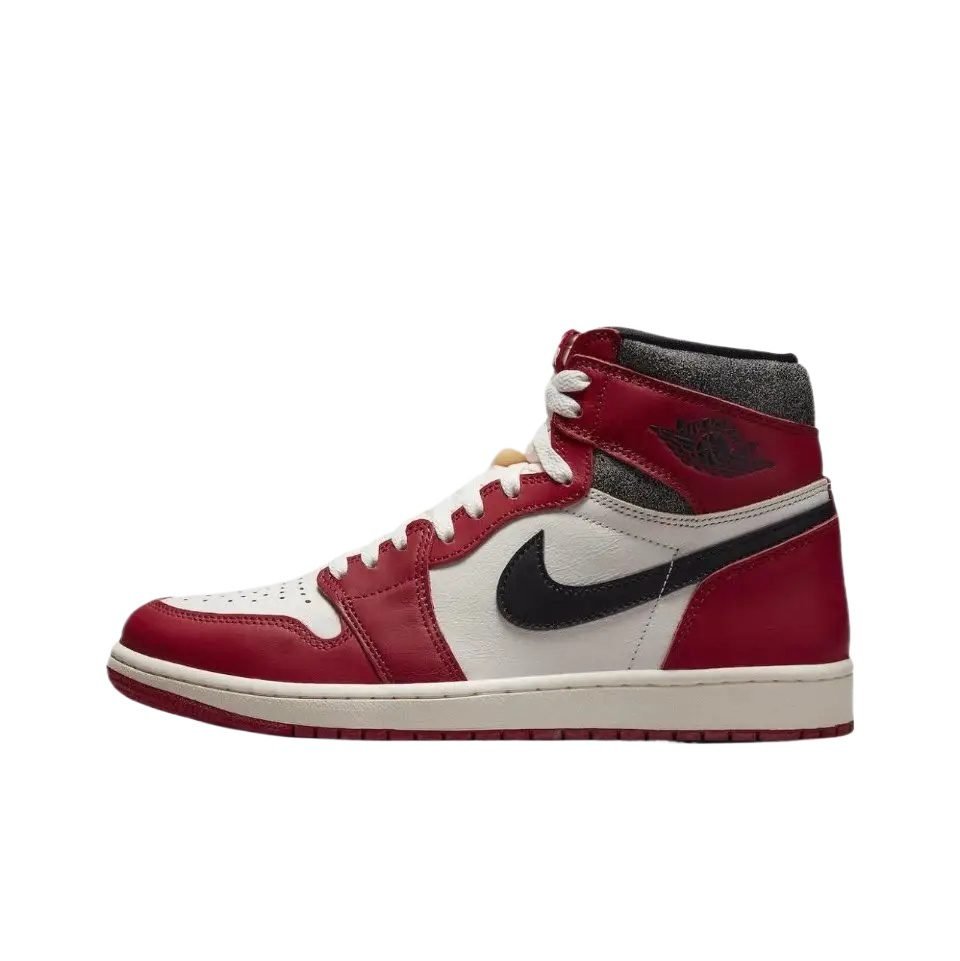


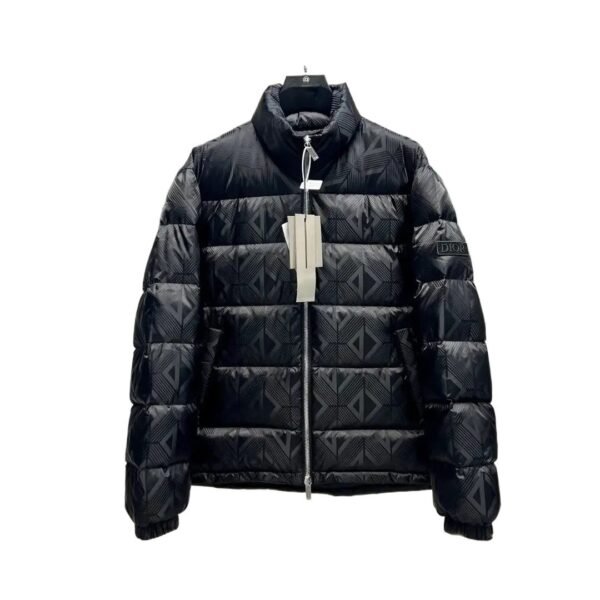
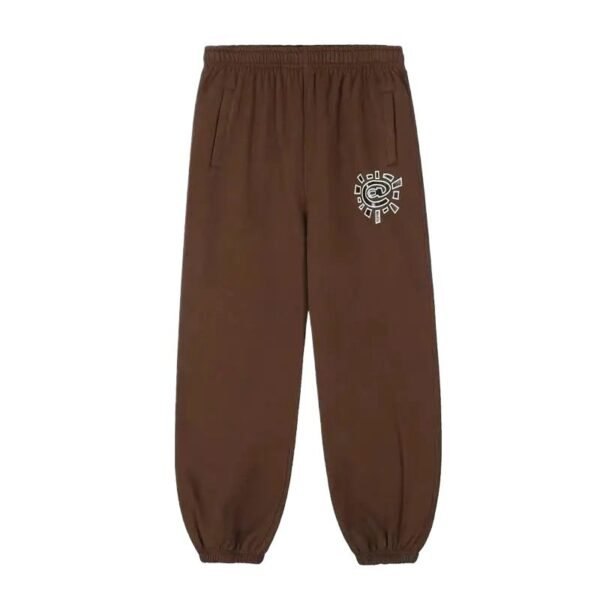





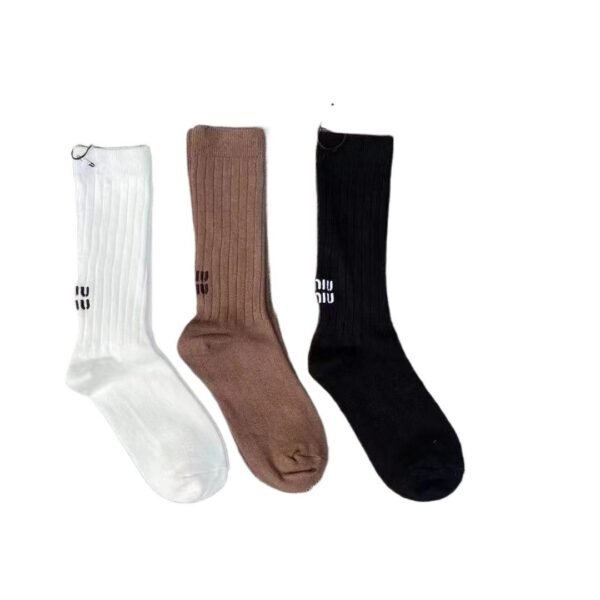

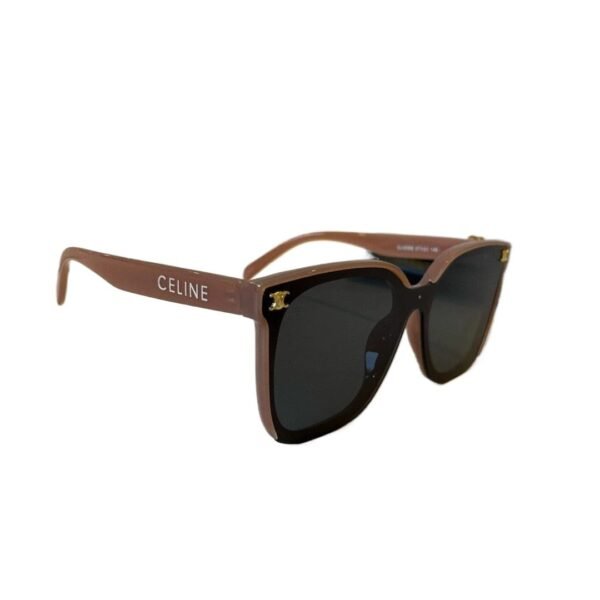






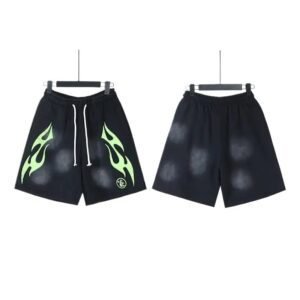
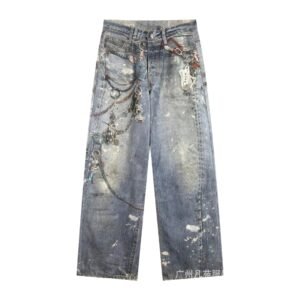
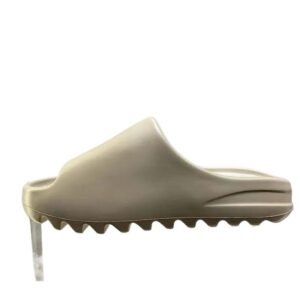
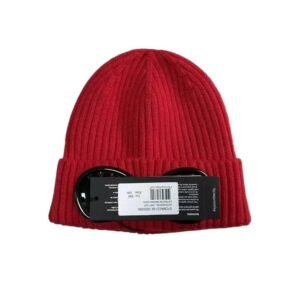
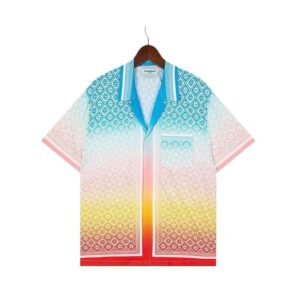


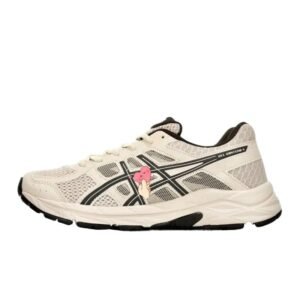


We’ve spent months handpicking 10,000+ must-have Litbuy treasures just for you!
Every single item comes with a dedicated QC photo check and transparent USD pricing—no hidden tricks, just full clarity on what you’re getting.
Our site stays fresh all year round: new arrivals drop on a regular basis, and sold-out favorites are instantly swapped for hot new alternatives.
To enable you to locate this site as quickly as possible, please bookmark this page.
Windows: Press Ctrl + D
Mac: Press Command + D
Litbuy.com is a one-stop cross-border e-commerce platform dedicated to simplifying the process of shopping from China. The platform has rapidly gained popularity among global consumers for offering high-quality products at competitive prices, particularly distinguishing itself in the fashion apparel sector, which sets it apart from competitors.
Litbuy Spreadsheet is a convenient tool for Litbuy users to find and purchase Chinese products; all product links are market-verified; all recommended merchants are renowned Chinese businesses, ensuring the quality of recommended products meets established standards.
litbuysheets.net has compiled a list of over 10,000+ premium products available on the market, making it the most comprehensive product directory currently available; it is also the best Litbuy spreadsheet for 2026.
Whether you’re on the hunt for the latest limited-edition sneakers or trendy fashion pieces that elevate your wardrobe, this detailed guide is designed to streamline your Litbuy shopping journey, eliminating stress and ensuring a smooth experience from start to finish. From sourcing products to tracking your shipment, every step is broken down clearly to help you navigate the platform like a pro.
The first step to successful Litbuy shopping is finding reliable product sources—Reddit and Discord are your top allies. Create accounts on both, then join r/FashionReps and r/Litbuy: vibrant hubs where shoppers, enthusiasts and bots share product links, reviews and insights. On r/FashionReps, search for styles or browse product comparison threads with direct item links. Note that Litbuy is a purchasing service, not a direct retailer—no products are listed on its homepage. Gather links from community spreadsheets, litbuyspreadsheet or the above social platforms.
Once you’ve secured a product link, integrating it into Litbuy is straightforward. The simplest method is link search: copy the link you’ve obtained and paste it directly into the search bar on the Litbuy website, which will instantly direct you to the corresponding product page. If you’re struggling to find a direct link—for example, if you only have a photo of the item—Litbuy’s reverse image search tool comes to the rescue. Simply upload the product photo to this tool, and it will scan the platform to locate similar items, helping you track down what you’re looking for without a link.
Upon navigating to the product page, take the time to carefully verify key details to avoid discrepancies. You’ll typically see multiple options for color, size, and product version, so don’t rush this step. Always refer to the size guide provided on the page, and if you have specific size preferences or requirements, you can leave a note during the checkout process. Keep in mind that some items may have limited size ranges, so it’s essential to cross-check measurements or size charts with your own to ensure a proper fit. Overlooking this step could result in receiving an item that doesn’t meet your expectations, so patience here pays off.
Stock images often present an idealized version of the product, so it’s critical to view real quality control (QC) photos to get an accurate representation of what you’ll receive. The best tool for this is qc.photos—a platform dedicated to aggregating authentic QC shots from shoppers. Simply paste the original product link into qc.photos, and you’ll gain access to a comprehensive gallery of real photos, including 360° views of the item and additional shots shared by other buyers who have purchased the same product. This allows you to inspect details like material quality, color accuracy, and any potential flaws before committing to your purchase.
Unexpected costs can put a damper on your shopping experience, but Litbuy’s built-in cost estimator helps you plan ahead. After adding your item to the cart, click on the estimator tool to view a breakdown of costs, including the item price, package weight, dimensions, and applicable shipping fees. You can also optimize your costs by making strategic choices, such as removing shoeboxes (if you don’t mind) to reduce package volume, which in turn lowers shipping charges. Additionally, compare different shipping lines to find the balance between speed and cost that works for you—faster shipping options typically come with higher fees, so weigh your priorities carefully.
Once you’ve finalized your product choice, verified the details, and calculated the total cost, it’s time to place your order. Start by adding the item to your Litbuy cart, then proceed to the checkout page. Here, you’ll need to fill in your shipping address accurately to avoid delivery issues, as well as your payment details. If PayPal isn’t available in your region, you can top up your Litbuy balance first and use that to complete the payment. Be sure to read and agree to the platform’s terms and conditions before confirming your order.
After placing your order, you can monitor its progress through various status updates on Litbuy. The first status is “Process Pending,” which means your order is waiting to be assigned to a purchasing agent. Once an agent is assigned and buys the item from the seller, the status updates to “Purchased.” Next, when the seller ships the item to Litbuy’s warehouse, the status changes to “Seller Sent,” and you’ll receive a tracking link to monitor the domestic shipping within China. Finally, when the item arrives at the warehouse, the status updates to “Warehouse Received,” indicating it’s ready for the next step.
When your item reaches Litbuy’s warehouse, it undergoes a final quality check, and you’ll receive the final QC photos for your approval. Take the time to review these photos carefully to ensure the item meets your standards—if there are any issues, you can contact customer service to resolve them. Once you’re satisfied, select your preferred international shipping method, keeping in mind that faster options (such as DHL or FedEx) will cost more than standard shipping. After confirming the shipment, Litbuy will pack your item securely and send it to your address, providing you with an international tracking number so you can follow its journey until it arrives at your doorstep.
By following this step-by-step guide, you’ll be able to navigate Litbuy with confidence, avoiding common pitfalls and ensuring a seamless shopping experience. Whether you’re a first-time user or a seasoned shopper, these tips will help you find and purchase your next favorite fashion piece or sneaker without stress. Happy shopping!